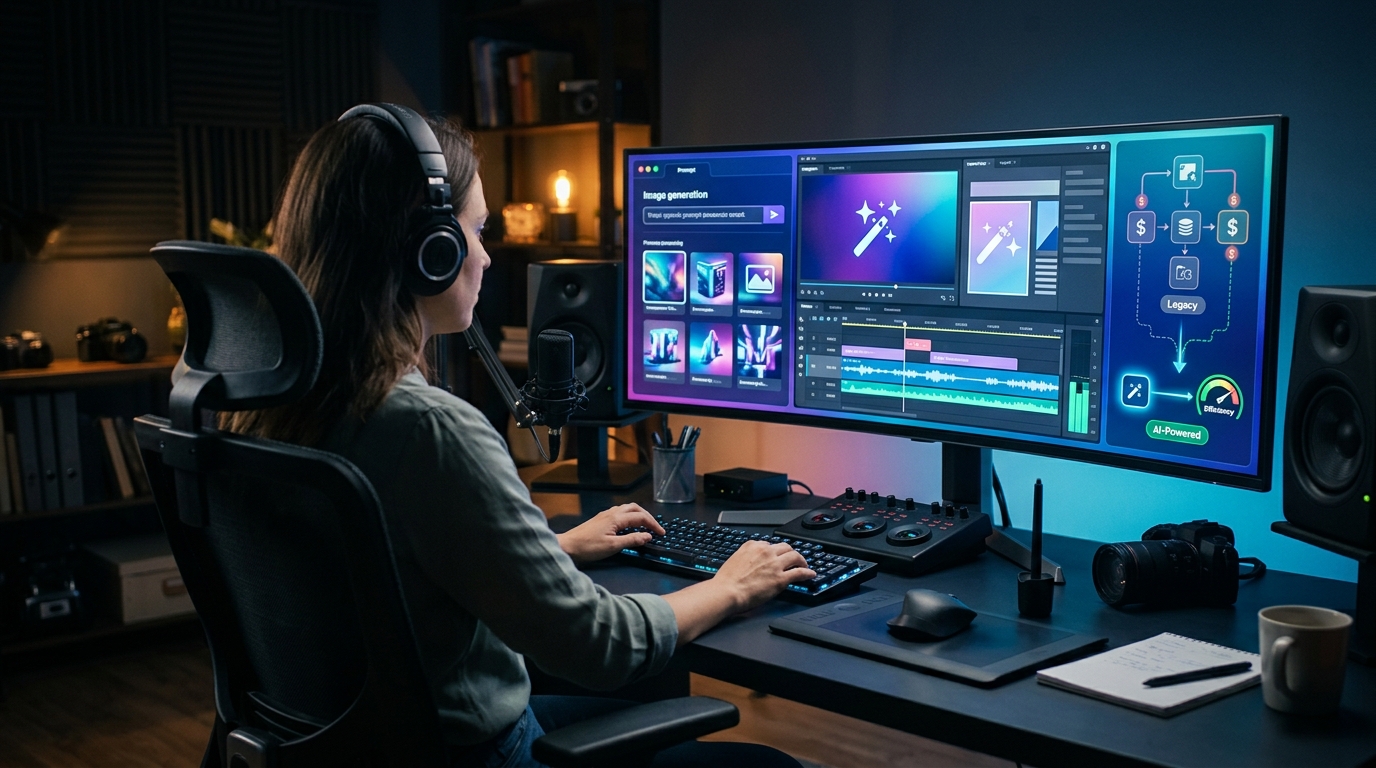
How to Use AI Tools to Replace Expensive Creative Cloud Subscriptions: 9 Powerful Ways
For years, Adobe Creative Cloud has been the standard choice for designers, photographers, video editors, and content creators. However, subscription costs can quickly become expensive, especially for freelancers, students, small businesses, and creators who don’t use every application included in their plan.
The good news is that AI has changed the creative software landscape. Today, AI tools can handle many tasks that once required expensive desktop applications. From generating images and removing backgrounds to editing videos, writing copy, enhancing photos, and creating marketing designs, there’s a growing range of affordable alternatives.
Learning how to use AI tools to replace expensive Creative Cloud subscriptions doesn’t necessarily mean abandoning professional-quality work. Instead, it means choosing the right tools for specific jobs and building a practical creative workflow around them.
In this guide, we’ll look at nine powerful ways AI can reduce your dependence on expensive creative software while helping you work faster.
Why Creative Cloud Subscriptions Can Become Expensive
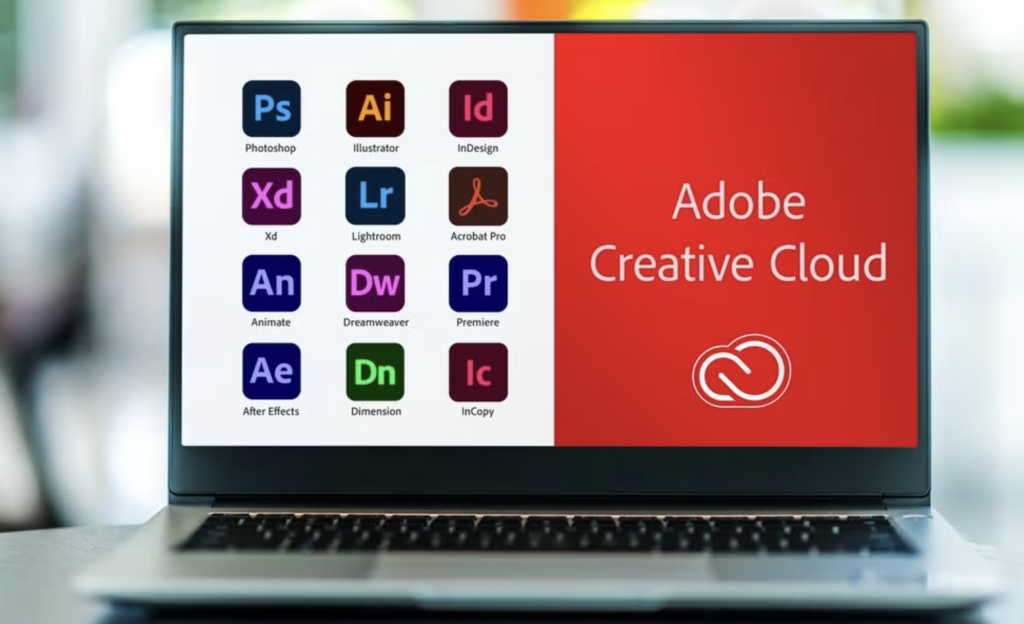
Creative Cloud offers a large collection of professional applications, including Photoshop, Illustrator, Premiere Pro, After Effects, InDesign, and other services.
For professionals who use several applications every day, that ecosystem can be extremely valuable. But many users don’t need all those features.
A freelance writer might only need basic graphics for blog posts. A small business owner may need social media designs, product images, and short videos. A YouTube creator might need video editing but rarely touch Illustrator or InDesign.
That’s where the subscription model can become frustrating.
You’re paying for access to a powerful collection of applications even when you only use a small part of it.
AI tools provide another approach. Instead of paying for a complete creative suite, you can select individual tools based on the tasks you actually perform.
For example:
- AI image generators can create graphics from text.
- AI photo editors can improve images automatically.
- Background-removal tools can isolate products in seconds.
- AI video editors can create captions and short clips.
- AI writing tools can help produce marketing copy.
- AI presentation tools can transform ideas into slides.
- Design platforms can combine templates with AI automation.
The result can be a much more flexible creative stack.
How AI Is Changing Creative Work
Artificial intelligence isn’t simply another design feature. It’s changing how people approach creative tasks.
Traditional software often requires you to understand the tools before you can complete the job. AI reverses that process in many cases.
Instead of manually performing dozens of steps, you can describe what you want and let the system handle much of the technical work.
For instance, imagine you need a product image with a clean white background.
With traditional software, you might need to:
- Open the image.
- Select the product.
- Refine the edges.
- Remove the background.
- Create a new layer.
- Add a background.
- Adjust lighting.
- Export the final image.
An AI-powered editor may complete most of those steps automatically.
That doesn’t mean AI always produces a perfect result. Professional judgment still matters. However, it can remove many repetitive tasks from the workflow.
This is one of the biggest reasons AI tools to replace Creative Cloud subscriptions are becoming attractive to everyday creators.
1. Use AI Tools for Graphic Design
Graphic design is one of the easiest areas to supplement with AI.
Modern AI design platforms can generate social media posts, advertisements, thumbnails, banners, flyers, and other visual materials from templates or simple prompts.
Instead of designing everything from scratch, you can start with an AI-generated concept and then make minor adjustments.
For example, a local restaurant could ask an AI design platform to create:
- Instagram promotional posts
- Menu graphics
- Discount banners
- Event posters
- Facebook advertisements
- Website graphics
A freelancer could then customize the fonts, images, colors, and text.
This approach is particularly useful when you don’t need advanced vector illustration.
When AI Design Works Best
AI design tools are excellent for repetitive marketing materials and quick content.
They’re less suitable when you need extremely precise artwork, complex vector systems, or strict brand standards.
Therefore, the smart strategy isn’t to expect one AI tool to replace every design application. Use AI where it provides the biggest productivity gain.
2. Replace Basic Photoshop Tasks With AI Photo Editors
Photoshop remains incredibly powerful, but many people use only a fraction of its features.
If your regular tasks include resizing images, improving lighting, removing unwanted objects, sharpening photos, or correcting backgrounds, AI-powered editors can handle much of that work.
For example, an AI photo editor can often help with:
- Image enhancement
- Noise reduction
- Object removal
- Portrait retouching
- Upscaling
- Background replacement
- Lighting correction
- Color enhancement
- Automatic cropping
This is especially useful for bloggers and online store owners.
An ecommerce seller doesn’t necessarily need advanced compositing skills to make a product photograph look cleaner. An AI editor can perform many common improvements automatically.
AI Photo Editing Is About Speed
The main advantage isn’t always quality. It’s speed.
If an editor can turn a 20-minute task into a two-minute task, that difference becomes significant over hundreds of images.
For creators working with large volumes of content, this can save both time and money.
3. Remove Image Backgrounds Automatically
Background removal is another task where AI can replace a surprisingly large amount of manual work.
Previously, isolating a person or product could require careful selection tools and detailed edge adjustments.
Today, AI background removers can detect the main subject automatically.
This is useful for:
- Product listings
- Profile pictures
- YouTube thumbnails
- Social media graphics
- Online advertisements
- Marketplace images
- Presentation graphics
Consider a freelancer managing an online store with 300 products.
Manually removing the background from every product could consume many hours. An automated AI workflow can dramatically reduce that workload.
You can then move the cleaned images into a simple design platform for final layouts.
4. Generate Images With AI Instead of Designing Everything From Scratch
Generative AI is arguably the biggest change in creative production.
Instead of searching stock websites for the perfect photograph, creators can generate an original image based on a detailed description.
You might request an image showing:
A modern home office with a laptop, warm natural lighting, minimalist furniture, and a professional business atmosphere.
The AI can create a visual concept based on those instructions.
This is particularly useful for:
- Blog feature images
- Advertising concepts
- Social media content
- Storyboards
- Product concepts
- Presentation visuals
- Creative experiments
However, generated images should still be reviewed carefully.
AI can occasionally create incorrect details, unrealistic objects, strange text, or inconsistent elements. Human editing and quality control remain important.
Use AI as a Creative Assistant
The best approach is to treat generative AI as an assistant rather than an automatic replacement for creative judgment.
Give it the initial idea, review the output, improve the prompt, and make final adjustments with a lightweight editing tool.
That workflow can eliminate a significant amount of unnecessary design work.
5. Use AI Video Editors for Common Premiere Pro Tasks
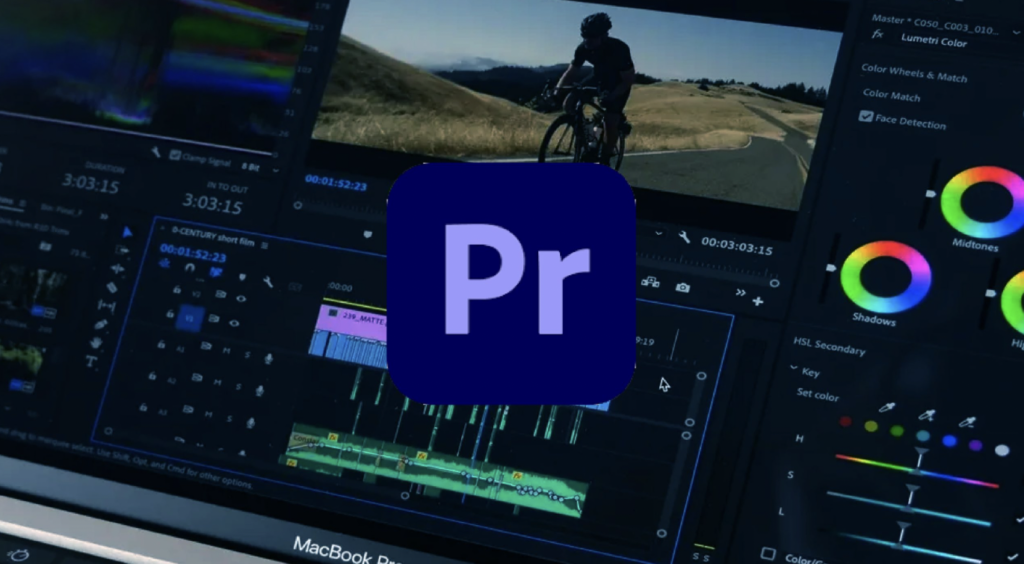
Video editing has traditionally required more powerful software than basic image design.
Premiere Pro and similar professional applications offer extensive control, but many creators don’t need every feature.
AI video editors can simplify common tasks such as:
- Automatic captions
- Silence removal
- Background noise reduction
- Transcript-based editing
- Short-form video creation
- Aspect-ratio conversion
- Scene detection
- Automatic highlights
- Basic transitions
- Audio enhancement
This can be extremely useful for creators publishing on YouTube, TikTok, Instagram, and other platforms.
For example, a creator could upload a long interview and use AI to identify important sections, generate captions, and produce short clips.
Instead of spending hours manually finding clips, the creator can review AI suggestions and make final decisions.
6. Replace Some Creative Writing Work With AI
Creative Cloud isn’t primarily a writing platform, but modern creative projects often require a lot of copy.
A single marketing campaign may need:
- Headlines
- Ad copy
- Product descriptions
- Social captions
- Email copy
- Video scripts
- Landing-page text
AI writing assistants can help generate first drafts quickly.
This doesn’t mean you should publish everything AI creates without editing. Human review remains essential for accuracy, brand voice, originality, and credibility.
A better process is:
- Define the audience.
- Explain the purpose.
- Give the AI relevant information.
- Generate a first draft.
- Fact-check the content.
- Add human insights.
- Edit for tone and clarity.
- Publish the finished version.
For freelancers and small businesses, this can reduce the amount of time spent starting from a blank page.
7. Create Presentations Without Advanced Design Software
Presentations can take longer to create than expected.
Even a simple business presentation requires decisions about layout, typography, images, spacing, and structure.
AI presentation tools can turn a basic outline into a collection of designed slides.
For example, you could provide:
- Presentation topic
- Target audience
- Number of slides
- Main points
- Desired tone
The AI can then suggest a slide structure and visual hierarchy.
You can review the result and make final adjustments using a lightweight presentation platform.
This is ideal for:
- Sales presentations
- Training materials
- Educational slides
- Business proposals
- Internal reports
- Client presentations
Again, the goal isn’t necessarily to eliminate every professional application. It’s to avoid paying for complex software when your actual requirements are straightforward.
8. Use AI to Create Social Media Content Faster
Social media is another area where AI can replace multiple repetitive creative tasks.
A small business may need dozens of posts every month. Creating each post manually can become a full-time job.
AI can help generate:
- Post ideas
- Captions
- Images
- Short videos
- Content calendars
- Ad concepts
- Thumbnail ideas
- Promotional copy
You can create one core idea and adapt it for multiple platforms.
For example, a blog article can become:
- A LinkedIn post
- An Instagram carousel
- A short video script
- A Facebook post
- Several short quotes
- A newsletter section
This approach creates a content multiplication system.
Instead of designing everything independently, you create one strong source and let AI help transform it into different formats.
9. Build a Combined AI Creative Workflow
The biggest savings often come from combining several specialized tools instead of searching for one perfect replacement.
Imagine you’re a freelance content creator.
Your workflow could look like this:
| Task | AI-Powered Approach |
| Blog writing | AI writing assistant + human editing |
| Feature image | AI image generator |
| Image cleanup | AI photo editor |
| Background removal | AI background remover |
| Social graphics | AI design platform |
| Short videos | AI video editor |
| Captions | Automatic transcription |
| Presentation | AI slide generator |
This creates a modular creative system.
You only pay for the tools you actually need.
Start With Your Most Expensive Tasks
Don’t replace software simply because AI exists.
Instead, review how you work.
Ask yourself:
- Which application do I use most?
- Which features do I actually use?
- Which tasks take the longest?
- Which tasks are repetitive?
- Which tasks could AI automate?
- Where do I still need precise manual control?
This audit will reveal where AI can provide genuine savings.
AI Tools vs Creative Cloud: What’s the Difference?
AI tools can replace many Creative Cloud tasks, but they aren’t identical to professional creative applications.
| Area | AI Tools | Creative Cloud |
| Speed | Usually very fast | Depends on user skill |
| Ease of use | Often beginner-friendly | Can have a steep learning curve |
| Automation | Strong | Increasing, but traditionally manual |
| Advanced control | Limited in some tools | Extremely strong |
| Professional workflows | Depends on task | Excellent |
| Cost model | Often flexible | Subscription-based |
| Customization | Varies | Very extensive |
| Learning curve | Usually lower | Often higher |
The right choice depends on your work.
A casual creator may benefit enormously from an AI-first workflow.
A professional designer working with complex brand systems may still need Adobe applications.
When You Still Need Adobe Creative Cloud
It’s important not to overstate what AI can do.
Professional software remains valuable when you need precision and control.
You may still need applications such as Photoshop, Illustrator, Premiere Pro, or InDesign for:
- Complex photo manipulation
- Professional print production
- Advanced vector artwork
- Detailed typography
- Large publishing projects
- Complex motion graphics
- Professional color workflows
- Advanced compositing
- Highly controlled brand systems
- Client files requiring industry-standard formats
For professional agencies and experienced designers, replacing everything with AI may actually reduce productivity.
The better question isn’t “Can AI replace Adobe?”
It’s “Which parts of my Adobe workflow can AI replace?”
That’s a much more useful question.
For official information about Adobe’s current Creative Cloud products and plans, you can check Adobe Creative Cloud.
How to Reduce Your Creative Software Costs
If your goal is saving money, don’t cancel subscriptions immediately.
First, create a list of your current creative tasks.
For each task, record:
- Software currently used.
- Time spent per project.
- Features actually used.
- Potential AI alternative.
- Quality of the AI result.
- Monthly cost.
- Time saved.
Then test alternatives for one or two weeks.
For example, if you mostly use Photoshop for resizing, background removal, and basic image improvements, you may discover that an AI editor handles 90% of your daily work.
However, keep professional software available if occasional advanced projects still require it.
A hybrid subscription strategy can be smarter than completely abandoning professional tools.
Common Mistakes When Switching to AI Tools
Moving to AI can save money, but there are several mistakes to avoid.
Choosing Too Many AI Tools
It’s easy to sign up for several platforms because each one looks impressive.
Soon, you may end up spending almost as much on AI subscriptions as you did on your original software.
Choose tools based on actual workflow requirements.
Expecting Perfect Results
AI-generated work isn’t automatically professional.
Always check images, text, videos, and designs before publishing.
Ignoring Copyright and Licensing
Before using generated or edited content commercially, understand the platform’s current terms and licensing rules.
This is particularly important for client projects and paid advertising.
Forgetting Human Creativity
AI is powerful at generating options, but good creative work still requires judgment.
Your experience, brand understanding, storytelling, and audience knowledge are difficult to automate completely.
Cancelling Professional Software Too Quickly
Don’t cancel a tool before testing your replacement against real projects.
A five-minute demonstration isn’t enough to prove that an AI platform can handle your actual workflow.
A Practical AI-First Creative Workflow
If you’re starting from scratch, keep things simple.
Begin with three categories:
Step 1: Automate Repetitive Tasks
Start with background removal, resizing, transcription, captions, and basic enhancement.
These tasks usually offer quick wins.
Step 2: Add Generative Tools
Next, experiment with AI image generation, writing assistants, and video generation or editing.
Use them to produce first drafts and creative options.
Step 3: Keep a Precision Tool
Have at least one reliable editor available for final adjustments.
This could be a lightweight design application or professional software, depending on your needs.
Step 4: Measure the Results
Track:
- Monthly software spending
- Time per project
- Number of revisions
- Final quality
- Client satisfaction
- Production volume
If the AI workflow improves these numbers, you’ve found a useful replacement strategy.
Conclusion
AI is changing the economics of creative work.
For many creators, paying for a large collection of professional applications may no longer be the only practical option. AI tools can handle image generation, photo enhancement, background removal, writing, video editing, presentations, and social media production with surprisingly little effort.
However, replacing Creative Cloud shouldn’t be treated as an all-or-nothing decision.
The smarter approach is to examine your actual workflow and identify the tasks that AI can handle effectively. Keep professional software when you genuinely need its advanced capabilities, and use AI for repetitive or time-consuming work.
By combining specialized AI tools with human creativity and quality control, freelancers, small businesses, marketers, and content creators can build faster and potentially less expensive creative workflows.
The goal isn’t simply to use more AI. It’s to use the right AI tools for the right jobs.
Frequently Asked Questions
1. Can AI completely replace Adobe Creative Cloud?
Not for everyone. AI can replace many common creative tasks, but professionals who need advanced design, publishing, video, illustration, or compositing features may still benefit from Creative Cloud.
2. What is the best AI alternative to Photoshop?
There isn’t one universal replacement. The best option depends on your needs. AI-powered editors are useful for enhancement, background removal, object removal, and other common tasks, while advanced users may still prefer professional editing software.
3. Can AI replace professional graphic designers?
AI can automate many design tasks, but it doesn’t completely replace experienced designers. Professionals provide creative direction, branding knowledge, visual judgment, communication, and problem-solving.
4. Is an AI creative workflow cheaper?
It can be. The savings depend on which tools you choose and how much you currently spend. Using several unnecessary AI subscriptions can eliminate those savings.
5. Can AI tools create commercial images?
Many AI platforms offer commercial-use options, but licensing terms differ between providers and can change. Always check the current terms of the specific service before using generated content commercially.
6. Are AI-generated designs good enough for businesses?
They can be, particularly for social media posts, marketing concepts, blog graphics, and other digital content. However, businesses should review every output for quality, accuracy, branding, and licensing requirements.
7. Should freelancers cancel Creative Cloud?
Not immediately. Freelancers should first identify which Adobe features they actually use and test AI alternatives against real client projects. A hybrid setup may provide better value.
8. What’s the biggest benefit of using AI for creative work?
Speed is one of the biggest benefits. AI can automate repetitive work, generate ideas quickly, and reduce the time needed to produce an initial version of creative content.