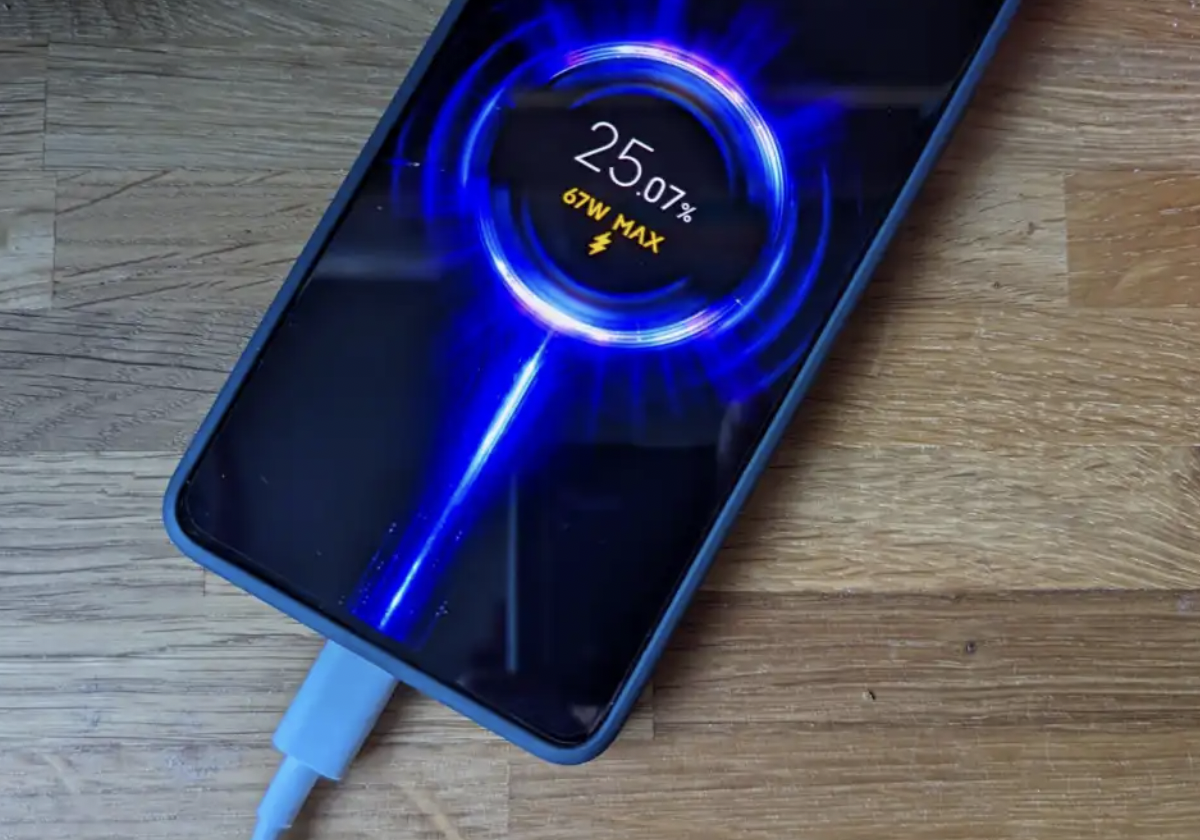
How to Stop Your Phone From Getting Hot While Charging
Smartphones are essential tools in our daily lives, helping us stay connected, work, and entertain ourselves. However, one common issue that many users face is their phone getting unusually hot while charging. Excessive heat not only makes your device uncomfortable to hold but can also impact its performance and battery health over time. Recognizing and addressing this problem is important to ensure your phone remains safe and efficient.
Smartphones naturally produce some heat while charging, but excessive temperatures can slow charging speeds, reduce battery lifespan, and even affect your phone’s performance. If your device becomes uncomfortably hot every time you plug it in, it is a sign that something needs attention. Fortunately, there are several practical ways to keep your phone cool while charging and protect its battery over the long term.
In this article, we will guide you through effective tips and strategies to prevent your phone from overheating during charging, ensuring safety and prolonging your device’s lifespan.
Understanding Why Phones Heat Up While Charging
Every smartphone battery generates heat as electricity flows into it. Modern lithium-ion batteries are designed to handle moderate temperatures, but several factors can cause excessive heat buildup. Fast charging, heavy background processes, poor ventilation, damaged charging accessories, and high ambient temperatures all contribute to overheating.
Knowing the cause is the first step toward preventing unnecessary heat and extending your phone’s battery life.
Use the Original Charger and Cable
One of the most effective ways to prevent overheating is to use the charger and USB cable that came with your phone. Manufacturers design these accessories to deliver the correct voltage and current.
Low-quality or counterfeit chargers may provide unstable power, causing your phone to generate extra heat while charging. If the original charger is unavailable, purchase a certified replacement from a trusted manufacturer that meets your phone’s specifications.
Avoid Using Your Phone While Charging
Using your smartphone during charging is one of the biggest reasons it becomes hot. Activities such as gaming, video streaming, video calls, and social media browsing force the processor to work harder while the battery is simultaneously charging.
This combination significantly increases internal temperatures.
Whenever possible:
- Avoid gaming while charging.
- Delay software updates until charging is complete.
- Finish long video calls before plugging in.
- Let your phone remain idle during charging.
Allowing the phone to rest helps it charge faster and stay cooler.
Remove the Phone Case During Charging
Some phone cases trap heat instead of allowing it to escape. Thick rubber, leather, or rugged protective cases provide excellent protection against drops but can reduce airflow around the device.
If you notice your phone becoming unusually warm, remove the case before charging. Better ventilation allows heat to dissipate naturally.
This simple habit can noticeably reduce charging temperatures, especially during fast charging sessions.
Charge in a Cool Environment
Environmental temperature plays a major role in battery health. Charging your phone in direct sunlight or inside a hot car increases internal temperatures rapidly.
For safer charging:
Keep the Phone Away From Heat Sources
Avoid placing the phone near:
- Windows with direct sunlight
- Car dashboards
- Heating vents
- Blankets or pillows
- Kitchen appliances
Instead, charge the device on a hard, flat surface where air can circulate freely.
Avoid High Room Temperatures
If the room is already hot, your phone has a harder time cooling itself. Air-conditioned rooms or naturally cool indoor spaces provide better charging conditions.
Disable Fast Charging When You Don’t Need It
Fast charging is convenient, but it produces considerably more heat than standard charging.
If you are charging your phone overnight or while working, disable fast charging in your battery settings if your device offers the option.
Standard charging generates less heat, reduces battery stress, and may help extend battery lifespan over several years.
Close Background Apps Before Charging
Many apps continue running after you stop using them. Navigation apps, streaming services, cloud backups, and social media applications consume processor power even while the screen is off.
Before charging:
- Close unnecessary applications.
- Pause downloads.
- Stop video uploads.
- Disable GPS if not needed.
Reducing processor activity lowers heat production during charging.
Turn On Airplane Mode
If you need the fastest and coolest charging experience, Airplane Mode can make a noticeable difference.
With wireless communications disabled:
- Cellular signals stop searching for towers.
- Wi-Fi activity decreases.
- Bluetooth connections pause.
- Background synchronization slows.
As a result, the processor works less, reducing heat while allowing the battery to charge more efficiently.
Keep Software Updated
Software updates often include battery optimization improvements, thermal management enhancements, and bug fixes that reduce unnecessary processor activity.
Keeping your apps and operating system updated also strengthens your device against security vulnerabilities. Learn more in our guide on Mobile App Security in 2026: Protect Your Users in a World of Rising Threats.
Running outdated software can cause apps to consume more power than necessary, increasing charging temperatures.
Check for updates regularly and install them when available.
Avoid Charging on Soft Surfaces
Many people charge their phones on beds, couches, or pillows. Unfortunately, these materials trap heat around the device.
Always place the phone on:
- A wooden desk
- Glass table
- Metal stand
- Ceramic surface
- Charging dock with ventilation
Hard surfaces allow heat to escape much more effectively.
Disconnect the Charger at 100%
Most modern smartphones automatically stop charging once the battery reaches full capacity. However, leaving the phone plugged in for extended periods may still expose it to unnecessary warmth due to background charging cycles.
Whenever practical, unplug the charger once the battery reaches full capacity.
Although overnight charging is generally safe with modern devices, disconnecting sooner can slightly reduce long-term battery wear.
Clean the Charging Port
Dust, lint, and debris inside the charging port may interfere with proper electrical contact.
Poor connections sometimes increase resistance, which can create additional heat during charging.
Use a soft brush or compressed air to gently clean the charging port. Avoid inserting metal objects that could damage the connectors.
Replace Damaged Charging Accessories
A damaged cable can create inconsistent power delivery.
Inspect your charging accessories for:
- Bent connectors
- Frayed cables
- Loose USB ends
- Burn marks
- Broken insulation
Replace worn accessories immediately to ensure safe charging performance.
Reduce Screen Brightness
Keeping the display at maximum brightness generates additional heat.
If you must use the phone briefly while charging:
- Lower the screen brightness.
- Enable dark mode.
- Reduce screen timeout.
- Avoid watching high-resolution videos.
These adjustments help minimize processor and display heat.
Avoid Wireless Charging in Hot Conditions
Wireless charging naturally creates more heat than wired charging because energy transfers through electromagnetic induction.
If your environment is already warm, wired charging is generally the cooler option.
If you prefer wireless charging:
- Remove thick phone cases.
- Align the phone correctly on the charging pad.
- Use certified wireless chargers.
- Ensure proper airflow around the charger.
Monitor Battery Health
Older batteries become less efficient over time.
If your phone overheats even during light charging, battery degradation could be the cause.
Warning signs include:
- Rapid battery drain
- Unexpected shutdowns
- Swollen battery
- Slow charging
- Extremely hot temperatures
A worn battery should be replaced by an authorized repair center to maintain safety and performance.
Avoid Cheap Charging Accessories
Low-cost charging products often lack proper safety features such as temperature regulation, overcurrent protection, and voltage control.
Investing in certified charging accessories protects both your battery and your phone from unnecessary heat damage.
Quality chargers may cost more initially but help prevent expensive repairs later.
When Overheating Becomes a Serious Problem
Some heat is completely normal during charging. However, excessive temperatures should never be ignored.
Stop charging immediately if:
- The phone becomes too hot to hold.
- The battery swells.
- You notice a burning smell.
- Charging stops repeatedly.
- Warning messages about temperature appear.
Persistent overheating may indicate hardware failure, battery damage, or charging circuit issues that require professional inspection.
Best Practices to Keep Your Phone Cool While Charging
Following a few consistent habits can dramatically reduce charging temperatures and improve battery longevity.
- Use the original charger whenever possible.
- Charge on a hard, cool surface.
- Remove thick phone cases.
- Avoid gaming during charging.
- Close unnecessary apps.
- Keep software updated.
- Use certified charging accessories.
- Avoid charging in direct sunlight.
- Disable fast charging when speed is unnecessary.
- Keep the charging port clean.
Conclusion
Preventing your phone from getting hot while charging is mostly about developing smart charging habits.
Using quality accessories, avoiding heavy phone usage during charging, improving airflow, and charging in a cool environment all contribute to lower temperatures and healthier battery performance. Small changes in daily charging routines can significantly extend battery life, improve charging efficiency, and reduce the risk of overheating.
By following these practical tips consistently, you can keep your smartphone running safely, efficiently, and reliably for years to come.