Spam Calls and Text Scams: A Guide to Blocking and Reporting
Few things interrupt a day like a phone that will not stop buzzing with unknown numbers. Some calls are merely annoying sales pitches. Others are scams designed to steal money or personal information by posing as a bank, a delivery company, a government agency, or even a relative in trouble. Text messages have become an especially popular route for fraud because they are cheap to send, easy to automate, and tempting to tap.
The good news is that you have more control than you might think. Modern phones include filters, carriers offer blocking tools, and official agencies accept reports that help investigators spot patterns. No single tool stops everything, but layering several protections reduces the volume dramatically and lowers the chance that a convincing message catches you on a busy day.
This guide covers how scam messages work, the phone settings that cut down unwanted contact, the carrier and app options worth considering, how to respond if something slips through, where to report it, and how to protect relatives who may be targeted more often. Laws and agencies differ by country, so use the official consumer protection or telecom regulator for your region when you report a problem.
Anatomy of a Scam Message
Scammers rely on a small number of tricks, and once you recognize them, most messages lose their power. The central tactic is pressure. A message tells you that your account is locked, a package cannot be delivered, a payment failed, or a loved one needs money immediately. The goal is to make you act before you think.
Another common trick is impersonation. Scammers copy the names and logos of trusted organizations, and technology can make a call appear to come from a local number or even from a real bank. This is often called spoofing. Because caller identification can be faked, the number on your screen proves very little.
Delivery and toll scams show how the pattern works. A text arrives saying a parcel is waiting and a small fee is due, or that an unpaid toll will lead to a penalty. The link opens a page that looks professional and asks for card details. Because most people are expecting some package or have driven somewhere recently, the message feels plausible. Think before you tap, and check the real status in the carrier’s or road authority’s official app.
Look at what the message asks you to do. Typical requests include clicking a link, calling a number, sharing a verification code, paying with gift cards, wiring money, or buying cryptocurrency. Legitimate organizations rarely demand payment through gift cards or crypto, and they do not ask for the one-time codes sent to your phone. Those codes exist to prove it is you logging in, and giving one away can hand over your account.
Watch for other signs: odd grammar, generic greetings, links with strange spellings, requests to move to a different messaging app, and messages from unfamiliar numbers claiming a wrong number then starting a friendly chat. That last pattern is often a setup for a longer fraud, such as a fake investment or romance scheme.
Recorded calls, known as robocalls, also deserve caution. A prompt that tells you to press a key to speak to an agent or to be removed from a list usually confirms that your number is active, which can lead to more calls.
- Urgency: Claims of locked accounts, unpaid bills, or emergencies meant to rush your decision.
- Spoofed identity: Caller ID or names that mimic banks, agencies, or delivery services.
- Unusual payment demands: Requests for gift cards, wire transfers, or crypto.
- Code requests: Anyone asking for a verification code sent to your phone is a red flag.
- Wrong-number openers: Friendly texts from strangers that lead into investment or romance fraud.
Settings That Silence Unknown Callers
Your phone likely has built-in tools that reduce spam without any extra cost. Start with these before adding anything else.
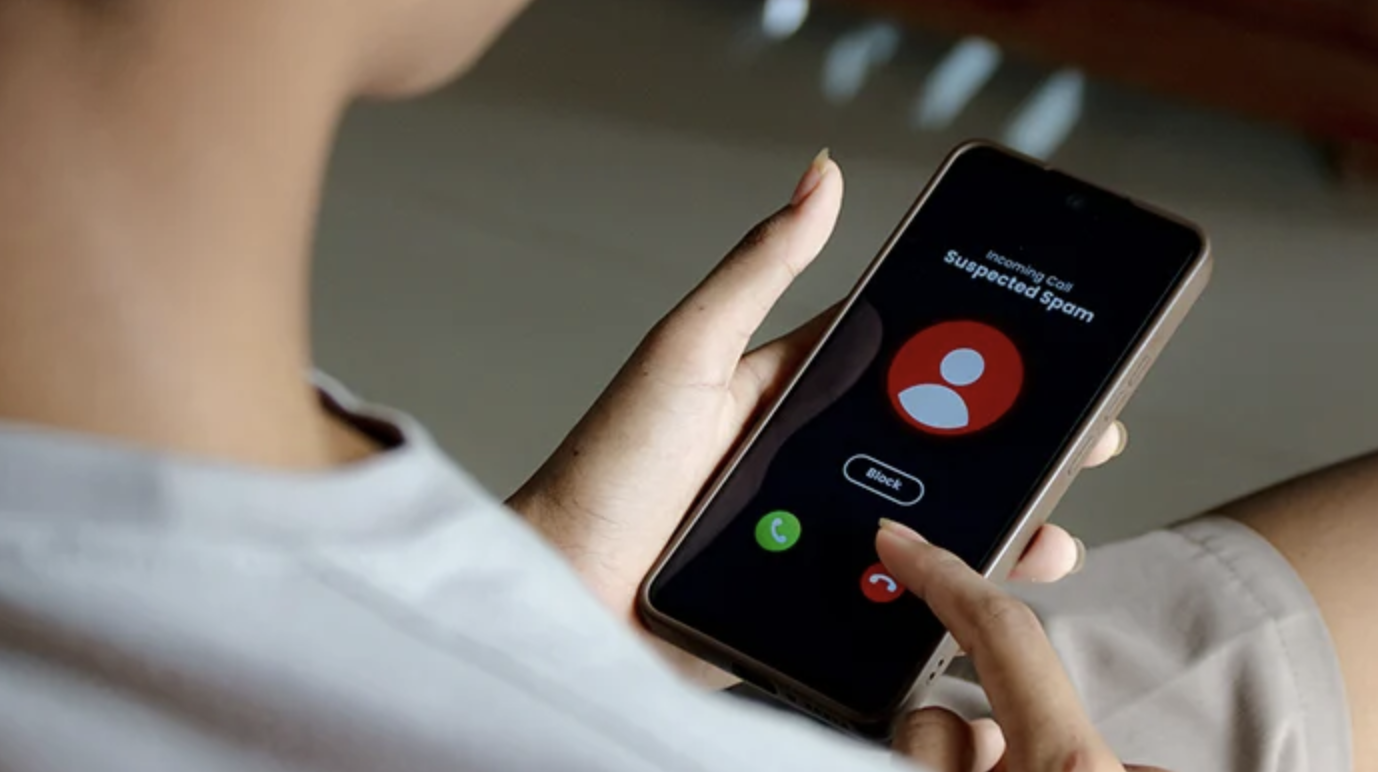
Most smartphones can silence calls from numbers that are not in your contacts and send them to voicemail. On many devices this feature is called silence unknown callers, call screening, or a similar name. Legitimate callers tend to leave a voicemail, while scammers and robocalls usually do not. The tradeoff is that you may miss calls from a doctor’s office, a delivery driver, or a recruiter, so check your voicemail regularly or add important numbers to your contacts.
Some phones offer call screening that answers on your behalf and asks the caller to state their name and reason. You see a transcript in real time and decide whether to pick up. This is effective against robocalls, which often hang up when a screening assistant answers.
For text messages, turn on the spam filtering features in your messaging app. Phones commonly sort messages from unknown senders into a separate folder and warn you about suspected junk. Turn off automatic link previews where possible, and avoid tapping links in unexpected texts. If you want to verify a message, open your bank’s official app or type the website address yourself.
Update your operating system and apps regularly. Updates include security patches and improvements to spam detection. Also review which apps have permission to read your contacts and messages, and remove access that is not needed.
Voicemail deserves a small tune-up too. A generic greeting that does not include your name or number gives scammers less to work with, and many phones now provide visual voicemail with transcripts that let you judge a message without playing it. Delete suspicious voicemails after reporting them.
Finally, tighten how your number appears online. Avoid posting it publicly, use a secondary number for online forms and shopping accounts, and decline marketing messages when asked for consent. Fewer places holding your number means fewer lists it can leak from.
- Silence unknown callers: Sends calls from non-contacts to voicemail so only real callers leave messages.
- Call screening: Lets an assistant ask the caller to identify themselves before you answer.
- Message filtering: Sorts unknown senders into a separate folder and flags suspected junk.
- Link caution: Turn off previews and never tap links in unexpected texts.
- System updates: Install updates promptly for the latest security and spam detection.
Carrier and Third-Party Blocking Options
Beyond your phone, your mobile carrier may provide free tools. Many carriers offer apps or account settings that label suspected spam, flag likely scam calls, and block known fraudulent numbers before they reach you. Some carriers support authentication standards that verify whether the number calling you is the real source, which helps with spoofed calls. Check your carrier’s website or call customer service to find out which protections are available on your plan, and whether any premium tiers carry a fee.
Third-party apps are another option. Some apps maintain large databases of reported spam numbers and use them to identify callers. Compare their features and read the privacy policy before installing, since many ask for access to your contacts and call logs. Choose providers with a clear explanation of how they handle your data, and avoid apps that sell it.
Manual blocking still has a place. When a number calls repeatedly, block it from your recent calls list. Keep expectations realistic, though. Scammers often rotate through many numbers, so blocking one will not stop the next. That is why filters that work by behavior and reputation are more effective than blocking by hand.
Registry programs may help with legitimate telemarketers. Many countries have a national do-not-call list that tells lawful businesses not to call you for sales. Honest companies respect these lists, but scammers ignore them, so registration reduces some calls without stopping fraud.
Business owners and people who publish a phone number for work face extra exposure. If your number is public, consider a separate business line with its own filtering, and train staff to verify any call that asks for payments, passwords, or changes to bank details. Fraudsters often pose as vendors or executives to redirect payments, and a quick callback to a known number defeats most of these attempts.
Consider landlines and voice over internet services too. If you use a home phone or an internet-based phone service, check whether the provider has its own blocking features. Some include anonymous call rejection and keyword blocking.
- Carrier filters: Free or paid network-level tools that label or block suspected scam calls.
- Caller authentication: Standards that help confirm a call comes from the claimed source.
- Third-party apps: Reputation databases for identifying spam, with privacy tradeoffs to review.
- Do-not-call registry: A national list that lawful telemarketers must honor, though scammers ignore it.
Responding Safely When a Call Slips Through
Even careful people sometimes pick up a scam call or reply to a message. What you do next matters more than the mistake itself.
If you are on a suspicious call, hang up. You do not owe a stranger politeness, and staying on the line gives them time to pressure you. Do not press buttons to opt out, because that can confirm your number is active. If the caller claimed to represent your bank or a government office, end the call and contact the organization using a number from its official website or the back of your card, not one the caller gave you.
For text scams, do not click links or reply, even with the word stop. If you want to check the message, go directly to the company’s official app or site. Delete the text after reporting it.
If you have already shared information, act quickly. If you gave out a password, change it immediately and anywhere else you reused it, and turn on multi-factor authentication. If you shared bank or card details, call your bank using the official number, explain what happened, and ask to freeze or replace the card and monitor the account. If you sent money by gift card, wire, or crypto, contact the company or service right away, because early reports sometimes allow a transfer to be stopped.
If you shared identity details such as a national identification number, consider placing a fraud alert or credit freeze with credit bureaus in your country and review your credit reports for unfamiliar accounts. If you clicked a suspicious link and installed something, run a security scan and consider a factory reset if the phone behaves strangely.
Keep evidence. Screenshots of messages, call logs, and any account numbers involved can help when you report the incident.
Resist the urge to blame yourself. Scam scripts are written by people who study human behavior for a living, and they work on careful, intelligent people every day. Shame delays reporting, and delay is what costs the most. A calm, fast response is the best outcome you can create after a slip.
Use a short checklist so you do not have to think under stress.
- Stop contact: Hang up, close the chat, and do not reply to further messages from the sender.
- Secure accounts: Change passwords from a trusted device and turn on multi-factor authentication.
- Call your bank: Use the official number to freeze cards, flag transactions, and ask about disputes.
- Save evidence: Screenshot messages and note times, numbers, and amounts for your reports.
- Watch for follow-ups: Expect repeat attempts, including fake recovery services that promise to retrieve lost money for a fee.
That last item deserves emphasis. After a loss, victims are sometimes contacted by people claiming they can recover the money for an upfront payment. This is usually a second scam aimed at the same person. Legitimate recovery runs through your bank, the police, or official agencies, and none of them demand payment in advance.
Where to Report Scams
Reporting may feel pointless, but it feeds the data that regulators and carriers use to track scam campaigns and take action. It also creates a record if you later need to dispute charges.
Start with your carrier. Many carriers let you forward spam texts to a short code for reporting. In the United States, for example, forwarding a suspicious text to 7726, which spells SPAM on a keypad, is widely supported by major carriers, but check your own carrier’s instructions since options differ by country and provider. Phones also include report junk options inside the messaging app, and call logs often let you flag a number as spam.
Next, contact your national consumer protection agency. In the United States, the Federal Trade Commission takes fraud reports through its official website, and the Federal Communications Commission handles complaints about unwanted calls and spoofing. Other countries have equivalents, such as consumer authorities, telecom regulators, or national fraud reporting centers. Search for the official government site rather than a lookalike, because scammers also create fake complaint pages.
If money was lost, contact your bank or payment provider immediately, then file a report with the police or the national cybercrime center in your country. Many banks have fraud departments that can attempt to recall or dispute payments. If a scammer impersonated a specific company, notify that company so it can warn customers.
Report impersonation of government agencies directly to the agency named in the scam. Tax authorities, postal services, and immigration offices frequently publish alerts and have dedicated reporting addresses.
Finally, help others by sharing what you learned. Tell friends and family about the scam script you encountered. Awareness spreads protection faster than any filter.
Protecting Family Members and Older Relatives
Scammers often target people they believe are less comfortable with technology, and older adults can be hit hard by schemes that mimic a grandchild in trouble, a bank fraud alert, or a tech support warning. Anyone can be fooled, though, including teenagers and busy professionals.
Begin with a calm conversation. Share how common these scams are and that falling for one is nothing to be ashamed of. People who feel embarrassed hide mistakes, which gives scammers more time. Agree that it is always acceptable to hang up and call back using a trusted number.
Create a family code word. A simple phrase known only to relatives can confirm identity during an emergency call that claims a loved one needs money. Because voice cloning technology can imitate real voices, a familiar sound alone is no longer proof.
Help them set up protections. Enable call screening and silence unknown callers, install the carrier’s spam filter, and set up banking alerts so unusual transactions are flagged quickly. Consider adding a trusted contact to financial accounts where the bank allows it, so someone is notified if something looks wrong.
Teach a few firm rules: never share verification codes, never pay with gift cards or crypto on request, and never let a caller keep you on the line while you go to a store or bank. If someone is pressuring you to keep a transaction secret, that secrecy is itself a warning.
Check in occasionally. A short, regular chat about recent suspicious messages keeps the topic open and makes it easier to ask for help.
Final Thoughts
Spam calls and text scams are unlikely to disappear, but you can make yourself a much harder target. Use the built-in features on your phone, add carrier or app filters, and adopt a few habits: pause before reacting to urgency, verify through official channels, and never share verification codes or pay by unusual methods.
When something does slip through, act promptly, preserve evidence, and report it to your carrier and the appropriate agency. Share what you learn with relatives so the whole household stays alert.
Tools, reporting channels, and legal protections vary by country and change over time, so check the official sites of your regulator and carrier for current guidance. This article is general information and not legal advice.
Frequently Asked Questions
1. Can scammers really fake the number that appears on my phone?
Yes. A technique called spoofing lets callers display a false number, including one that looks local or matches a real organization. For that reason, do not trust caller identification alone. If you doubt a call, hang up and contact the organization through its official website or the number on your card.
2. Should I reply STOP to a spam text?
For messages from legitimate businesses you have dealt with, replying STOP is usually safe and effective. For unknown senders or suspicious messages, do not reply, because it can confirm your number is active. Report and delete the message instead.
3. Does blocking a number stop the calls for good?
Blocking helps, but scammers often rotate numbers, so new calls may come from new sources. Combine blocking with call screening, carrier filters, and silence unknown callers for stronger protection.
4. Is the do-not-call list effective?
It can reduce calls from lawful telemarketers, who are required to respect it in countries that run such lists. Scammers ignore the list, so it does not stop fraud. Treat it as one layer among several.
5. How should I respond if I clicked a link in a scam text?
Do not enter any information. Close the page, delete the message, and run a security scan if you downloaded anything. If you typed in passwords or card details, change the passwords right away and contact your bank. Report the message to your carrier and consumer agency.
6. Can I get my money back if I paid a scammer?
Sometimes, but not always. Speed matters. Contact your bank, card issuer, or payment service immediately and ask about disputing or recalling the transaction. Recovery is harder with gift cards, wires, and crypto, but reporting quickly still improves the odds and helps authorities.