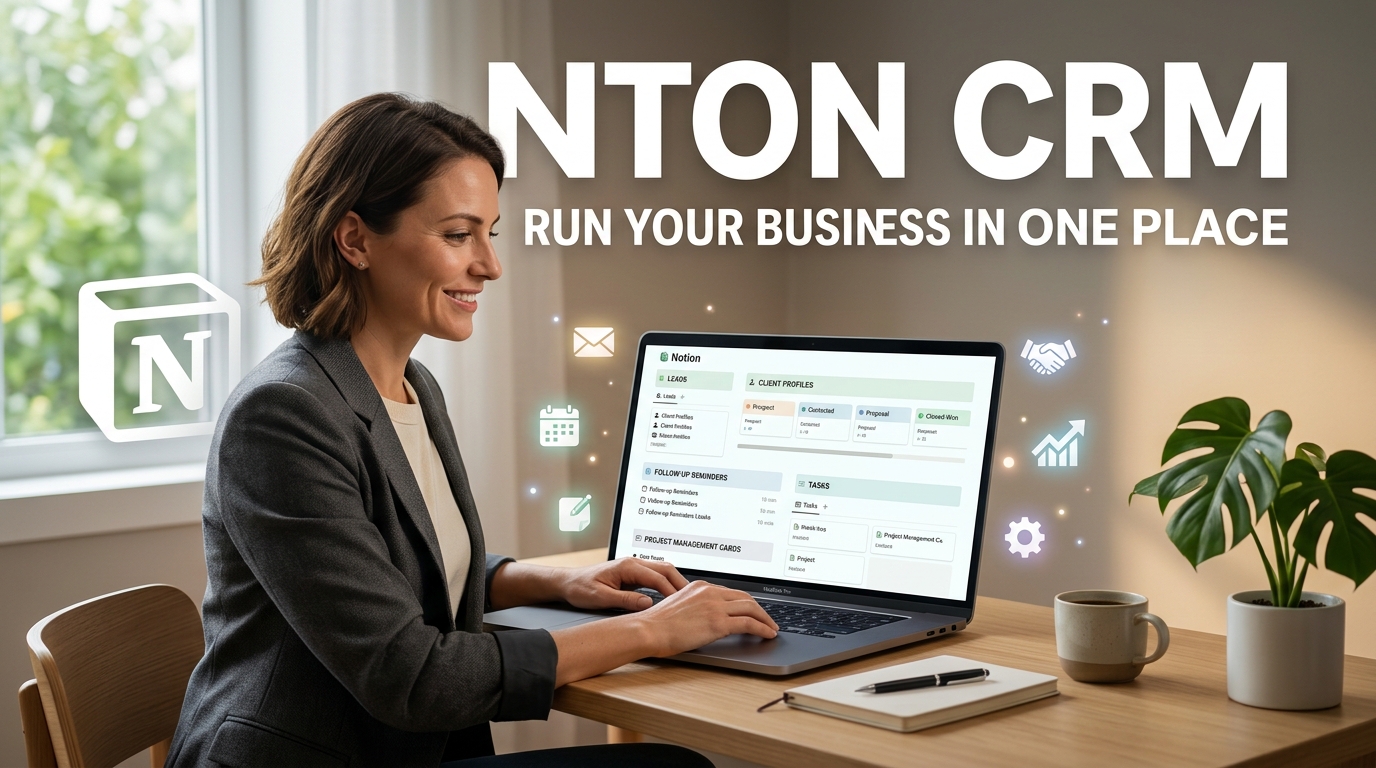
What Is a Notion CRM and How Solopreneurs Use It Instead of Salesforce
Managing customers can become difficult when you are running a business alone. You may have leads in a spreadsheet, client notes in a document, tasks in a separate app, and follow-up reminders scattered across your inbox.
This is where a CRM can help.
Traditional customer relationship management platforms can be powerful, but they may also feel complicated for a solopreneur who simply needs one organized place to manage leads, clients, projects, and follow-ups.
That is why many independent professionals are building a Notion CRM.
A Notion CRM uses Notion databases, templates, relations, views, and automations to create a customized system for managing customer relationships. For some solo business owners, it can provide a simpler alternative to a large platform such as Salesforce.
What Is a Notion CRM?
A Notion CRM is a customer relationship management system built inside Notion.
Instead of using a dedicated CRM with hundreds of features, you create databases that organize information about:
- Leads
- Prospects
- Customers
- Companies
- Projects
- Sales opportunities
- Follow-up dates
- Notes
- Tasks
- Deals
The biggest difference is flexibility.
You can build the CRM around the way your business actually works.
For example, a freelance writer might create a simple system with:
Leads -> Discovery Call -> Proposal -> Client -> Project -> Completed
A consultant may need a different workflow:
New Lead -> Qualified -> Meeting Scheduled -> Proposal Sent -> Won or Lost
A Notion CRM allows you to create views and databases that match your process.
Why Solopreneurs Are Using Notion Instead of Traditional CRM Software
A large CRM platform is designed to support many types of businesses, including companies with sales teams, customer service departments, marketing teams, and complex reporting requirements.
Understanding the real cost of running a business can also help solopreneurs choose simpler tools and avoid unnecessary software expenses.
A solopreneur often does not need all of that.
They may simply need to answer questions like:
- Who is my newest lead?
- When should I follow up?
- Which proposals are still open?
- Who are my active clients?
- What project am I currently working on?
- How much potential revenue is in my pipeline?
A simple Notion CRM can put this information into one workspace.
The goal is not to replace every feature of enterprise CRM software. The goal is to create a system that is simple enough to maintain every day.
What Can You Track in a Notion CRM?
The exact structure depends on your business, but most solopreneurs can start with a few essential databases.
1. Leads Database
Your leads database can include:
- Name
- Business name
- Email address
- Website
- Lead source
- Service of interest
- Status
- Estimated value
- Last contact date
- Next follow-up date
This gives you a central place to track potential customers.
Instead of searching through old emails, you can quickly see where every opportunity stands.
To find accurate contact information and build your prospect list faster, explore The 10 Best Email Finder Tools to Master 2026 Lead Generation.
2. Companies Database
If you work with multiple people from the same company, a separate company database can be useful.
You can connect contacts to companies using Notion relations.
For example:
Company -> Multiple Contacts -> Multiple Deals
This structure helps keep your information organized as your client base grows.
3. Deals or Sales Pipeline
A sales pipeline shows where potential customers are in the buying process.
You can create stages such as:
- New Lead
- Contacted
- Discovery Call
- Proposal Sent
- Negotiation
- Won
- Lost
A Kanban-style board can make your pipeline easy to understand.
You can drag opportunities from one stage to another as the relationship progresses.
How a Notion CRM Works
At its simplest, a Notion CRM works through databases and relationships.
You might have three main databases:
Contacts
Stores information about people.
Companies
Stores information about businesses or organizations.
Deals
Tracks potential sales opportunities.
You can then connect them.
For example:
Sarah -> ABC Company -> Website SEO Project
This relationship makes it easier to see the full history of a customer.
You can also create filtered views.
For example:
- Today’s follow-ups
- New leads
- Active clients
- Proposals waiting for a response
- Completed projects
Instead of searching through one large database, you can create a dashboard that shows only the information you need.
How to Build a Simple Notion CRM
You do not need to create a complicated system on day one.
Start with a basic setup.
Step 1: Create a Leads Database
Add properties such as:
| Property | Purpose |
| Name | Contact name |
| Company | Business name |
| Status | Current sales stage |
| Contact information | |
| Service | What they need |
| Lead Source | Where they found you |
| Next Follow-Up | Reminder date |
| Deal Value | Estimated revenue |
| Notes | Important information |
This is enough to start managing your customer relationships.
Step 2: Create Sales Stages
Use a Select or Status property.
A simple pipeline might look like:
New -> Contacted -> Interested -> Proposal Sent -> Won -> Lost
Avoid creating too many stages.
If you are a solopreneur, a simple system is usually easier to maintain.
Step 3: Create Different Views
Create separate views for different purposes.
For example:
Table View: See every lead.
Board View: Move leads through your sales pipeline.
Calendar View: Track follow-up dates.
Filtered View: Show only active opportunities.
One of the key benefits of creating your own CRM system is the flexibility and control it offers.
The same data can be displayed in multiple ways.
Step 4: Create a Follow-Up System
A CRM is only useful if you actually remember to contact people.
Add a Next Follow-Up Date property to every active opportunity.
Then create a view showing:
- Follow-ups due today
- Follow-ups due this week
- Overdue follow-ups
This simple system can prevent potential clients from disappearing from your pipeline.
Notion CRM vs Salesforce
The biggest difference is not simply price or features.
It is complexity.
| Feature | Notion CRM | Salesforce |
| Best for | Solopreneurs and simple workflows | Larger and more complex organizations |
| Customization | Flexible workspace design | Extensive CRM customization |
| Ease of use | Can be simple to build | Can require more setup and administration |
| Sales automation | Basic to advanced with integrations | Extensive capabilities |
| Reporting | Flexible but less specialized | Advanced reporting and analytics |
| Learning curve | Moderate | Often higher |
| Scalability | Good for lightweight workflows | Designed for larger-scale CRM needs |
For a solo freelancer managing 30 leads, using a large enterprise CRM may be unnecessary.
For a company with hundreds of sales representatives, complex reporting, automated lead routing, and large customer databases, a dedicated enterprise CRM can make more sense.
The best tool depends on the complexity of your business.
The Biggest Benefits of Using Notion as a CRM

1. You Can Customize Everything
Traditional CRM software often requires you to adapt your workflow to the platform.
With a Notion CRM, you can build your system around your existing process.
You decide:
- Which properties to track
- Which sales stages to use
- How dashboards look
- Which views you need
- How clients and projects connect
2. Your CRM Can Live With Your Other Business Information
A solopreneur may already use Notion for:
- Content planning
- Project management
- Client notes
- Business goals
- SOPs
- Content calendars
- Personal productivity
Adding a CRM to the same workspace can reduce the number of tools you need.
3. It Can Be Easier to Understand
A complicated CRM can become another project to manage.
A simple Notion database is often easier to review.
You can open one dashboard and immediately see:
- New leads
- Follow-ups
- Active projects
- Important tasks
4. You Can Build a System That Grows With You
You can begin with one simple leads database.
Later, you can add:
- Companies
- Projects
- Invoices
- Content plans
- Referral tracking
- Client onboarding
This allows the system to grow gradually.
The Limitations of a Notion CRM
A Notion CRM is not perfect.
Before replacing dedicated CRM software, understand its limitations.
Limited Native Sales Features
Dedicated CRM platforms are designed specifically for sales.
They may include advanced features such as:
- Lead scoring
- Advanced sales forecasting
- Complex automation
- Sales activity tracking
- Call logging
- Detailed reporting
- Automated lead assignment
You may need integrations or additional tools to recreate some of these features.
Automation May Require Extra Tools
Basic workflows can be managed inside your workspace, but more advanced automation may require third-party automation services or other connected tools.
For example, you might want to automatically create a new lead when someone submits a form.
Depending on your setup, this can require an integration.
Reporting Can Be More Limited
If you need detailed sales analytics, forecasting, and complex performance reporting, a dedicated CRM may be better.
A Notion CRM works best when simplicity is more important than enterprise-level analytics.
Who Should Use a Notion CRM?
A Notion CRM can be a good choice for:
- Freelancers
- Consultants
- Coaches
- Content creators
- Solo agency owners
- Independent service providers
- Small startups
- Early-stage businesses
It is particularly useful when you have a manageable number of leads and want a flexible workspace.
Who Should Consider Salesforce Instead?
A more advanced CRM may be necessary if your business has:
- A large sales team
- Hundreds or thousands of customer records
- Complex sales processes
- Advanced reporting needs
- Lead assignment rules
- Multiple sales territories
- Large-scale automation requirements
In these situations, the extra complexity of a dedicated platform may be justified.
How Solopreneurs Can Use Notion CRM for Daily Business Tasks
A Notion CRM can become a central business dashboard.
Here is an example daily workflow.
Morning
Open your CRM dashboard and check:
- Follow-ups due today
- New leads
- Scheduled meetings
- Active proposals
During the Day
When a new prospect contacts you:
- Add them to the Leads database.
- Record where they came from.
- Add notes about their needs.
- Schedule the next action.
- Move them through your pipeline.
After Closing a Client
When a deal is won:
- Change the status to Client.
- Create a project.
- Add onboarding tasks.
- Store important notes.
- Track future opportunities.
This creates a connected system instead of scattered information.
Common Mistakes When Building a Notion CRM
Making It Too Complicated
Do not create 50 properties if you only use 10.
Start simple.
You can always add more later.
Forgetting Follow-Up Dates
A CRM without follow-up reminders can quickly become a digital contact list.
Every active lead should have a clear next action.
Mixing Everything Into One Database
At the beginning, one database may be enough.
As your business grows, separating contacts, companies, deals, and projects can make the system easier to manage.
Building Instead of Selling
This is an important mistake for solopreneurs.
Do not spend weeks creating the perfect CRM dashboard.
Your CRM should support your business, not become your main project.
Start with a simple system and improve it only when you identify a real problem.
How to Make Your Notion CRM More Powerful
Once the basic system works, you can add useful features.
Add Templates
Create templates for:
- New leads
- Discovery calls
- Client onboarding
- Sales proposals
- Follow-up messages
This saves time and creates consistency.
Connect Your CRM With Projects
Link clients to active projects.
When you open a client’s page, you can see:
- Contact information
- Previous conversations
- Current projects
- Tasks
- Important documents
Create a Simple Dashboard
Your dashboard could show:
New Leads: 5
Follow-Ups Today: 3
Open Proposals: 2
Active Clients: 8
The goal is to see important business information quickly.
Use Automations Carefully
Automations can save time, but avoid automating a process before you understand it.
First create a workflow that works manually.
Then automate repetitive steps.
Is a Notion CRM Free?
Notion offers plans and features that can change over time, so it is best to review the current options before choosing a setup.
For many solopreneurs, the available features may be sufficient for building a simple CRM.
However, your total cost may increase if you add paid integrations, automation platforms, or other business tools.
The important comparison is not simply whether the CRM itself is free.
Consider the total cost of your complete business software stack.
Final Verdict: Is a Notion CRM Better Than Salesforce?
For a solopreneur, simpler can often be better.
If you are managing a small number of leads and clients, you may not need the complexity of an enterprise CRM.
A Notion CRM can give you a customized system for managing:
- Leads
- Clients
- Deals
- Follow-ups
- Projects
- Notes
All inside one workspace.
However, Salesforce and other dedicated CRM platforms exist for a reason. As businesses grow, they may need more advanced automation, reporting, sales management, and customer relationship features.
The best choice depends on your business.
If you are a freelancer, consultant, creator, or solo business owner who wants flexibility and simplicity, a Notion CRM can be an excellent starting point.
Build the simplest version first. Track your leads, remember your follow-ups, organize your clients, and connect your sales process with your daily work.
You can always move to a more advanced CRM later.
For many solopreneurs, the real advantage of a Notion CRM is not that it replaces Salesforce in every situation. It is that it provides exactly what a one-person business needs—without forcing that business to manage more software than necessary.