What Is Stalkerware and How to Check If It Is on Your Phone
Digital privacy threats are becoming more complex, but few are as invasive as stalkerware. Unlike malware designed mainly to steal money or damage files, stalkerware focuses on secretly monitoring a person’s private life. It can track locations, read messages, record calls, access photos, and monitor online activity without the user’s knowledge.
Stalkerware is often linked to technology-facilitated abuse, especially in situations involving controlling partners or people with unauthorized access to someone’s device. Knowing what stalkerware is, how it works, and how to identify warning signs can help protect your privacy and safety.
What Is Stalkerware?
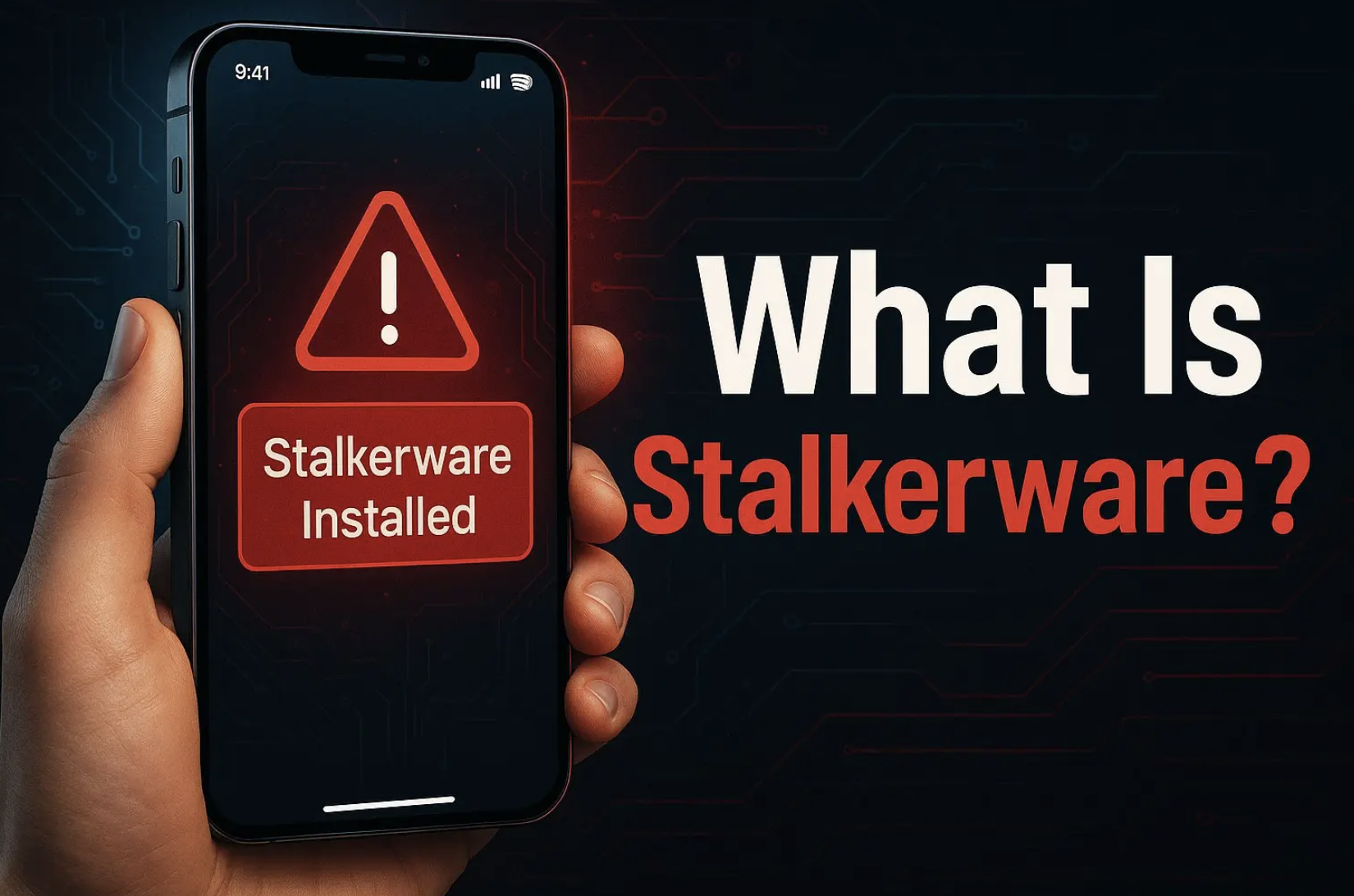
Stalkerware is a type of surveillance software that is secretly installed on a smartphone or computer to monitor a person without their informed consent.
The Coalition Against Stalkerware provides research, safety resources, and updated information about how stalkerware is used and detected.
These apps are designed to operate in the background and may hide their icons, disguise their names, or request powerful device permissions.
Unlike legitimate parental control or employee monitoring tools, stalkerware is typically used without transparency. The main concern is not only the technology itself but the unauthorized use of monitoring features.
Common information collected by stalkerware may include:
- GPS location history
- Text messages and call records
- Photos and videos
- Browser activity
- Contacts
- Microphone recordings
- App usage information
Cybersecurity organizations, including the Coalition Against Stalkerware, have documented stalkerware as an ongoing digital safety concern worldwide. However, reported detections only represent identified cases and do not show the full scale of the problem.
In my work as a technology and business writer, I have reviewed many cybersecurity issues where the biggest risks came from overlooked permissions and weak account security. When discussing device privacy with users, I often find that unusual app behavior and unexpected account access are the first clues people notice.
How Does Stalkerware Get Installed?
Stalkerware usually requires access to the target device or accounts connected to it. Common installation methods include:
Physical Access to a Device
One of the most common methods involves someone briefly accessing an unlocked phone. A person with the device passcode may install a hidden monitoring application or change security settings.
This is why strong screen locks and private passwords are important. Sharing your phone unlock code can create a serious privacy risk.
Malicious Links and Fake Downloads
Some threats begin through phishing messages, emails, or fake websites. A user may be encouraged to download an app or provide login information that later allows monitoring.
Fake System or Security Apps
Some stalkerware disguises itself as useful software, such as battery-saving tools, cleaning apps, or fake updates. These apps may request excessive permissions that are unnecessary for their stated purpose.
Since many people install different types of mobile applications every day, it is important to review what permissions apps request before giving access to personal information. Even useful tools like free apps that automatically track your spending should be checked carefully to understand what data they collect.
Account-Based Tracking
Not all monitoring requires installing software. If someone has access to your Apple ID, Google account, or shared accounts, they might be able to see your location, messages, backups, or other personal details.
Warning Signs of Stalkerware on Your Phone
A single issue does not confirm stalkerware, but several warning signs together may require investigation.
Possible indicators include:
- Battery draining faster than usual
- Unexpected increases in mobile data usage
- Phone becoming hot during normal activity
- Unknown apps appearing in settings
- Unusual permission requests
- Changes to accessibility or administrator settings
- Someone knowing private information they should not know
During cybersecurity reviews, I have noticed that people often focus only on technical symptoms like battery usage. In practice, the combination of device changes and suspicious behavior from another person is usually more meaningful.
A phone getting hot does not always mean it has stalkerware, as charging habits, battery condition, and background apps can also increase temperature. You can learn more about why your phone gets hot while charging and how to fix common heating issues.
How to Check for Stalkerware on Android
Android users can review several areas where suspicious apps may leave traces.
1. Review Installed Applications
Open:
Settings → Apps → See All Apps
Look for applications you do not recognize, especially those with generic names or apps that do not match your normal usage.
2. Check Device Administrator Access
Open:
Settings → Security → Device Admin Apps
Some malicious applications attempt to gain administrator privileges to make removal more difficult.
3. Review Accessibility Permissions
Open:
Settings → Accessibility → Installed Services
Apps with accessibility access can interact with other applications and may have the ability to view sensitive information.
4. Check App Permissions
Review apps that have access to:
- Location
- Camera
- Microphone
- Messages
- Contacts
Make sure to remove any app permissions that are not necessary for what the app is supposed to do.
5. Use Security Scanning Tools
Trusted security applications may detect known stalkerware programs. However, no scanner can guarantee detection of every possible threat, so manual checks are still important.
How to Check for Stalkerware on iPhone
iPhones have stronger restrictions on app installation, but privacy risks can still occur through account access or unauthorized settings.
Check these areas:
Review Device Profiles
Go to:
Settings → General -> VPN & Device Management
Look for unknown configuration profiles.
Check Apple Account Security
Review devices connected to your Apple account. Remove any devices you do not recognize.
Review Location Sharing
Go to:
Settings → Privacy & Security → Location Services
Check which apps have access to your location and whether continuous access is necessary.
What to Do If You Find Stalkerware
If you suspect stalkerware, avoid making sudden changes without considering your safety situation.
Removing the software immediately may alert the person who installed it, especially in abusive relationships.
Consider these steps:
- Use another trusted device to seek advice
- Document suspicious activity
- Change important passwords from a safe device
- Contact digital safety experts or support organizations
- Consider professional help before removing the software
The safest response depends on your circumstances. Protecting your physical safety should be considered alongside technical security.
How to Prevent Stalkerware
You can reduce the risk by following basic security practices:
- Use a strong phone passcode
- Avoid sharing passwords
- Enable two-factor authentication
- Keep your operating system updated
- Review app permissions regularly
- Avoid installing apps from unknown sources
- Check account login activity periodically
Stalkerware is more than a cybersecurity problem. It is a privacy and safety issue that requires both technical awareness and careful decision-making.
As digital connectivity expands worldwide, new technologies are helping more people access online services. For example, satellite internet is changing remote areas by bringing reliable connections to places where traditional networks are limited.
Frequently Asked Questions
1. Can stalkerware be installed without physical access to my phone?
Some monitoring risks come from compromised accounts, phishing attacks, or shared credentials. However, many stalkerware cases involve someone having physical access to the device at some point.
2. Does deleting a suspicious app remove all stalkerware?
Not always. Some stalkerware may change permissions, use account access, or leave other settings behind. A complete security review may be needed.
3. Can iPhones get stalkerware?
Traditional stalkerware is harder to install on iPhones because of Apple’s security restrictions. However, someone with access to your Apple account or shared services may still monitor certain information.
4. Will my antivirus app detect stalkerware?
Security apps can identify many known stalkerware programs, but detection is not guaranteed. Checking permissions, accounts, and device settings remains important.
5. What should I do if I think someone is monitoring my phone?
Consider your personal safety first. Use a trusted device to seek help, document concerns, and avoid actions that could alert the person monitoring you.
6. How can I check if someone is tracking my location?
Review location-sharing settings in apps such as Google Maps, Find My, and social platforms. Also check connected accounts and devices for unfamiliar access.
7. Is stalkerware illegal?
The legality varies depending on the specific circumstances and the laws in your area. Installing monitoring software on someone’s device without consent may violate privacy, computer misuse, or surveillance laws in many regions.